What changed in Google AI Mode on November 4, 2026?
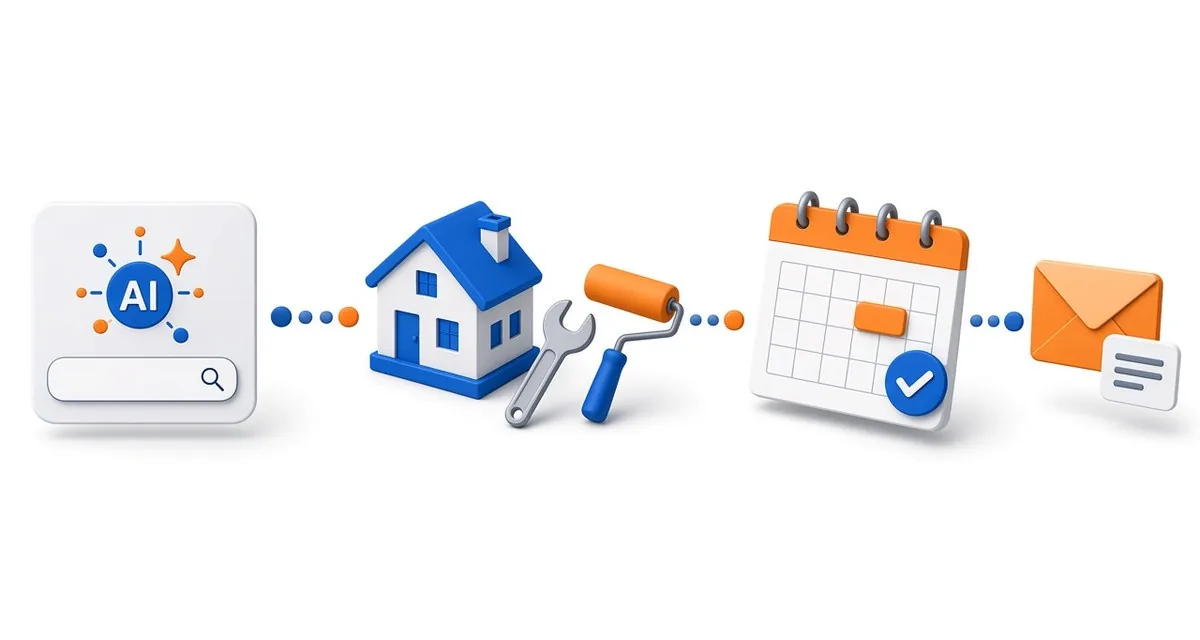
Google added direct links to research and book home services in AI Mode in the United States. Google Search product VP Robby Stein announced the partners as Angi, Thumbtack, Housecall Pro and Jobber, with ServiceTitan listed as coming soon. In Google's demo, a searcher asks for a handyman, and AI Mode shows nearby providers with ratings, short descriptions and, for some, available appointment times.
Google had previewed agentic booking for local services at its I/O conference in May. This release names the platforms that carry those bookings for home services.
How does a home service business get into these booking links?
Through the software or marketplace it already uses. A business on none of the listed platforms currently has no route to direct bookings through AI Mode. The requirements differ by platform:
- Jobber. Eligible U.S. businesses need an active paid subscription (trials are excluded), "Help clients find my business" turned on, a complete business address and a Google Business Profile connected at the same address. Jobber connects your default request form to Google automatically, and Google usually adds a Book Online button within a few days. Jobber says there are no lead fees for AI Mode requests.
- Housecall Pro. The company says all users will be eligible at no extra cost, with requests landing in the Job Inbox and no lead fees or bidding. Its partner page says Pros are enrolled automatically, while its November 4 announcement described the integration as coming soon to eligible U.S. customers, so confirm status in your own account.
- Angi. A homeowner who chooses an Angi pro goes to that pro's Angi profile to request a quote, under Angi's usual terms.
- Thumbtack. Named by Google, but it had not published its own AI Mode details as of the announcement.
Does being on a partner platform guarantee you will appear?
No. Google has not described how AI Mode chooses which businesses to show. Jobber's help page says two things can help a business get recommended more often: connecting a booking form instead of a request form, and collecting client reviews regularly. Housecall Pro describes matching based on availability, service area and reviews.
How do lead costs compare with Local Services Ads?
Jobber and Housecall Pro both say AI Mode requests carry no lead fee. Google's own Local Services Ads charge advertisers for booking-request leads in the U.S. and Canada, as Search Engine Journal noted. Angi has not said whether its usual match fees apply to quote requests that start in AI Mode. Treat that as an open question to ask your account manager rather than an assumption.
What should a home service owner check now?
- Confirm your platform status. Check whether your plan is eligible and whether the integration is live for your account.
- Match your business details. Make the address, phone number and website in your field service software identical to your Google Business Profile. Jobber's troubleshooting steps start with missing or mismatched details.
- Keep your calendar honest. AI Mode bookings follow the availability you set. If you want to screen jobs first, Jobber lets you require approval for assessment bookings instead of auto-confirming them.
- Use a booking form if you can handle it. Direct booking may help visibility, but only if your schedule and service area settings are accurate.
- Ask for reviews consistently. Jobber and Housecall Pro both point to reviews here, and reviews matter elsewhere in AI search too.
- Respond fast and track the source. Housecall Pro labels these leads "Google AI" in its inbox. Measure how many turn into booked jobs.
For related reading, see how local AI search handles "near me" questions, why online reviews matter for AI visibility and why speed to lead decides who wins the job.
Why does this matter beyond home services?
AI search is moving from recommending a business to sending the customer straight to an action. When that happens, the data inside your scheduling and booking tools becomes part of how visible you are. Accurate availability, consistent business details and steady reviews now do double duty as operations and as marketing.
How DigitalOS can help
DigitalOS helps service businesses get found and chosen in AI answers by aligning profiles, platform data, reviews and follow-up so more AI-sourced requests become booked work. If you want a clear read on how your business shows up in AI search today, start with the DigitalOS AI diagnostic.
Sources and limitations
Reviewed November 12, 2026. AI Mode booking is U.S.-only, partner terms differ, and Google has not published how businesses are selected. External findings are not DigitalOS experiments or guarantees.
- Search Engine Journal — "Google Adds Home Service Booking & Quote Links To AI Mode" (November 4, 2026)
Reports Robby Stein's announcement, partner terms and the Local Services Ads comparison.
- Jobber Help Center — "Jobber and Google AI Mode integration"
Eligibility, setup, no-lead-fee terms, approval settings and visibility tips.
- Jobber Product Updates — "Get found and booked in Google AI Mode" (November 4, 2026)
Jobber's launch note; U.S. only.
- Housecall Pro — "Housecall Pro integrates with AI Mode in Google Search" (November 4, 2026)
Company announcement; describes the integration as coming soon to eligible U.S. customers.
- Housecall Pro Help Center — "Job Inbox: Integration with Google AI"
Automatic enrollment and how Google AI leads appear in the inbox.